Scikit-Ollama for Scikit-LLM/Ollama Integration – MachineLearningMastery.com
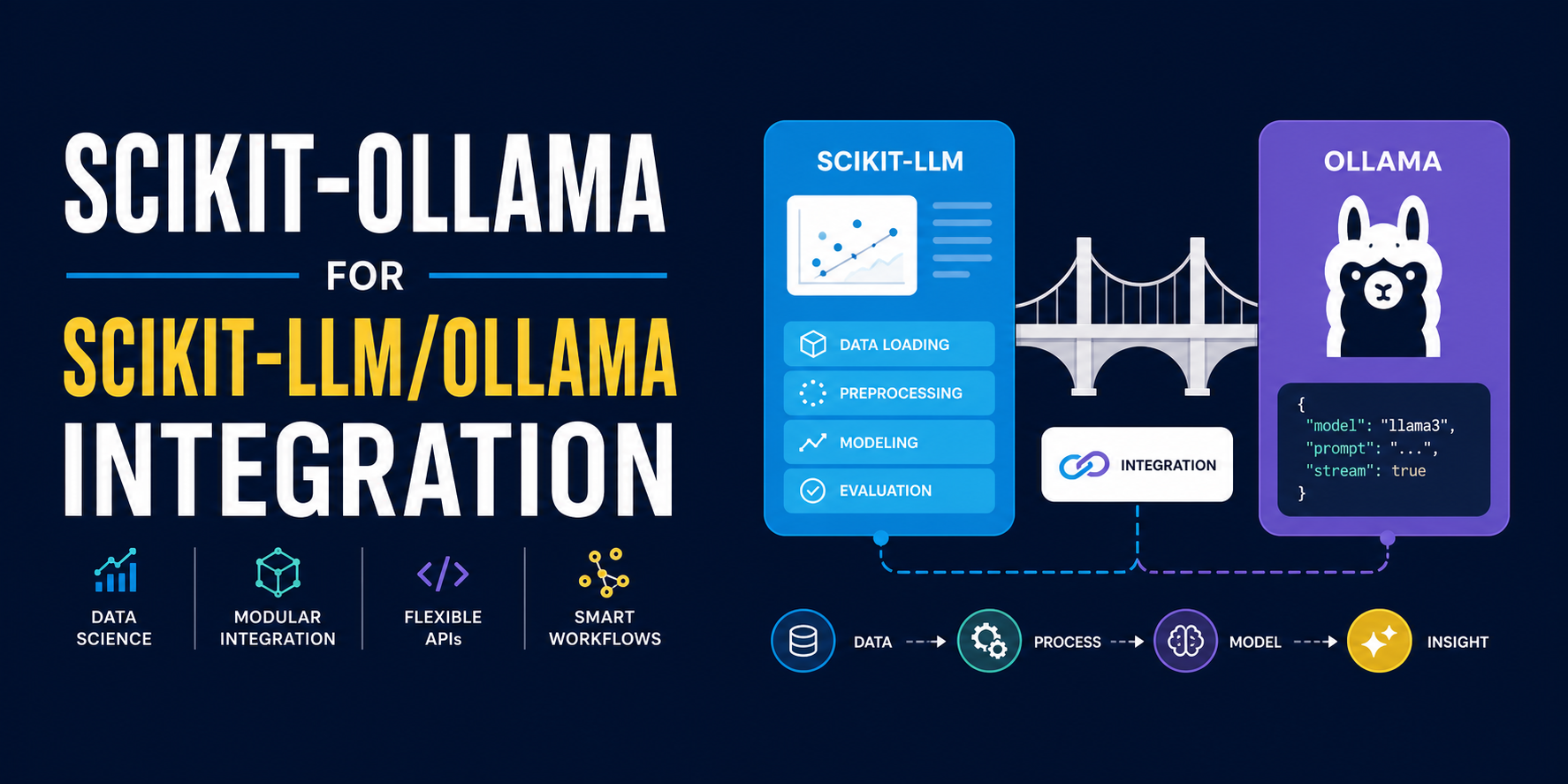
In this article, you will learn how scikit-ollama bridges the scikit-learn interface with locally running Ollama models to perform zero-shot text classification; no cloud API required.
Topics we will cover include:
- What scikit-ollama is and how it relates to scikit-llm and the scikit-learn ecosystem.
- How to load a movie review sentiment dataset and instantiate a zero-shot classifier backed by a local Llama 3 model.
- How the fit/predict pattern works in the context of zero-shot LLM-driven classification, and what it actually does under the hood.
Let’s not waste any more time.
Introduction
Large language model (LLM) integration into traditional machine learning workflows is not only possible nowadays, but also transforming the way we work with these models, in terms of both cost and security. Relying solely on commercial cloud APIs with quota and traffic bottlenecks — as well as data privacy concerns — is no longer the only go-to approach, and scikit-ollama has a lot to say on this. This library, largely based on scikit-llm, bridges the gap between the friendly scikit-learn syntax used to train and use classical machine learning models, and the power of LLMs — specifically free, locally installed models running on Ollama.
This article explores how to set up this integration to build a highly practical zero-shot classifier for sentiment prediction on movie reviews, using a local Llama 3 model running on your machine.
Step-by-Step Walkthrough
First, since scikit-ollama is only compatible with Python 3.9 or higher, check the Python version currently installed in your local or virtual development environment; mine is a virtual environment set up inside Visual Studio Code:
If you have Python 3.8 or lower, make sure you install or switch to a newer Python version before proceeding. Then install scikit-ollama:
|
pip install scikit–ollama |
Once installed, we can begin coding.
Scikit-LLM provides its own dataset catalog in its datasets module. We will use one of those text-based datasets, specifically one for sentiment classification of movie reviews. This is the code needed to load the data and display an example review alongside its associated sentiment label:
|
from skllm.datasets import get_classification_dataset
# Loading a demo sentiment analysis dataset containing movie reviews # The expected labels are: “positive”, “negative”, “neutral” X, y = get_classification_dataset()
print(f“Sample text: {X[0]} \nLabel: {y[0]}”) |
Output:
|
Sample text: I was absolutely blown away by the performances in ‘Summer’s End‘. The acting was top–notch, and the plot had me gripped from start to finish. A truly captivating cinematic experience that I would highly recommend. Label: positive |
Now for scikit-ollama itself. You will need to have Ollama locally installed on your machine. Follow the instructions in this article to do so, and make sure you install the model you want to use for this guide. To pull a model, run the following command in your terminal:
The code below imports scikit-ollama’s ZeroShotOllamaClassifier class to instantiate a compatible sentiment classifier backed by a local Ollama model — llama3:latest. Make sure you have this model installed on your machine before continuing:
|
from skollama.models.ollama.classification.zero_shot import ZeroShotOllamaClassifier
# Initializing the classifier with our local Ollama model: llama3:latest clf = ZeroShotOllamaClassifier(model=“llama3:latest”) |
A very important clarification about what we just did. llama3:latest is a general-purpose LLM, originally built to do much more than classify text: you can chat with it, brainstorm ideas, and more. So why are we using it to instantiate a zero-shot classifier? By doing so, scikit-ollama — along with scikit-llm under the hood — reformulates our intended classification task into a text-generation prompt that is syntactically constrained, so that the local model outputs only what is needed, acting as a classical machine learning model would in terms of output format, while still applying the powerful language-based reasoning it was built for.
This is the core of scikit-ollama and scikit-llm’s value: bridging the power of LLMs with the simplicity of the scikit-learn interface for predictive tasks like classification.
Time to apply the traditional machine learning two-stage ritual: fit and predict. While fitting a model normally involves updating weights on a labeled dataset, in the context of zero-shot LLM-driven classification there is no actual weight updating. The fit() call is used solely to register the candidate classification labels, guiding the model for in-context learning:
|
# “Fitting” the model boils down to just providing the list of candidate labels clf.fit(None, [“positive”, “negative”, “neutral”]) |
When calling the predict() method and passing a set of text reviews, the local Ollama instance processes each input as a prompt and parses the output to ensure it maps to one of the zero-shot classification labels, all under the hood.
The code below generates predictions on the dataset and prints the first three results. Note that on the first run, a short loading delay is expected while the model initializes, accompanied by a progress bar:
|
# Generating and showing predictions on our dataset predictions = clf.predict(X)
for text, prediction in zip(X[:3], predictions[:3]): print(f“Text: ‘{text}'”) print(f“Predicted Sentiment: {prediction}\n”) |
Output:
|
Text: ‘I was absolutely blown away by the performances in ‘Summer‘s End’. The acting was top–notch, and the plot had me gripped from start to finish. A truly captivating cinematic experience that I would highly recommend.‘ Predicted Sentiment: positive
Text: ‘The special effects in ‘Star Battles: Nebula Conflict’ were out of this world. I felt like I was actually in space. The storyline was incredibly engaging and left me wanting more. Excellent film.‘ Predicted Sentiment: positive
Text: ‘‘The Lost Symphony’ was a masterclass in character development and storytelling. The score was hauntingly beautiful and complemented the intense, emotional scenes perfectly. Kudos to the director and cast for creating such a masterpiece.‘ Predicted Sentiment: positive |
The local model outputs only what it is meant to, acting as a classical machine learning model would in terms of output format, while still applying the powerful, language-based inner reasoning it was built for.
You have just leveraged a local Ollama model to perform a specific inference task, text classification, entirely within the boundaries of your own machine.
Wrapping Up
This article showed how to swap out cloud-based LLM APIs for local Ollama models to perform inference tasks without subscription fees or sensitive text data leaving your machine. The key ingredient: the scikit-ollama library, which elegantly encapsulates this local integration and makes it available as just another scikit-learn pipeline.